History, if you want it.
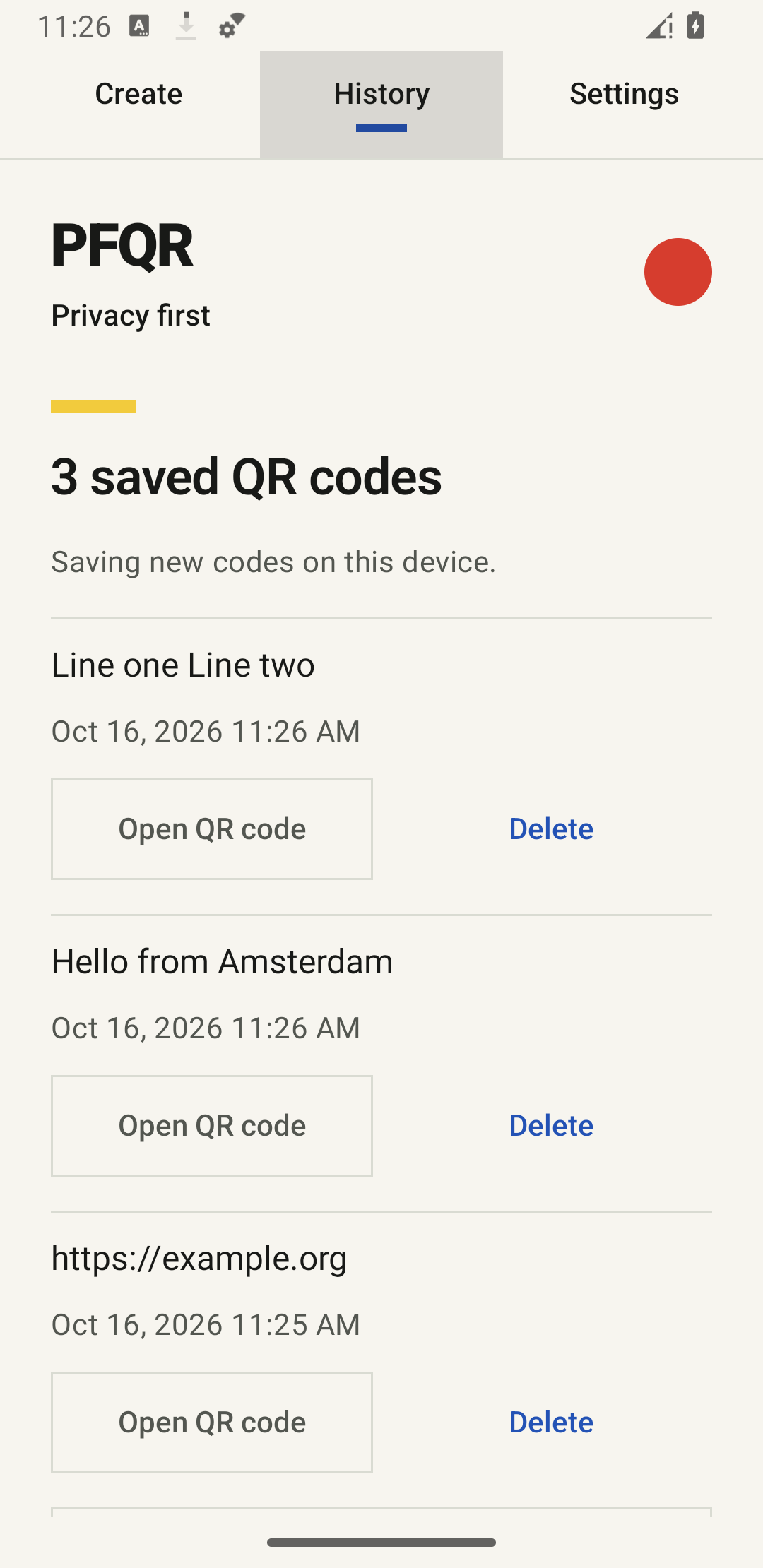
Switch recording on to save future codes locally. Turn it off to stop new entries; existing ones stay until you delete them.
 idealex
PFQR / Offline QR generator
Turn text and links into QR codes, right on your Android device. No connection, account or advertising.
Coming soon
Preparing for Android beta. Google Play is coming soon; there is no public installation link yet.
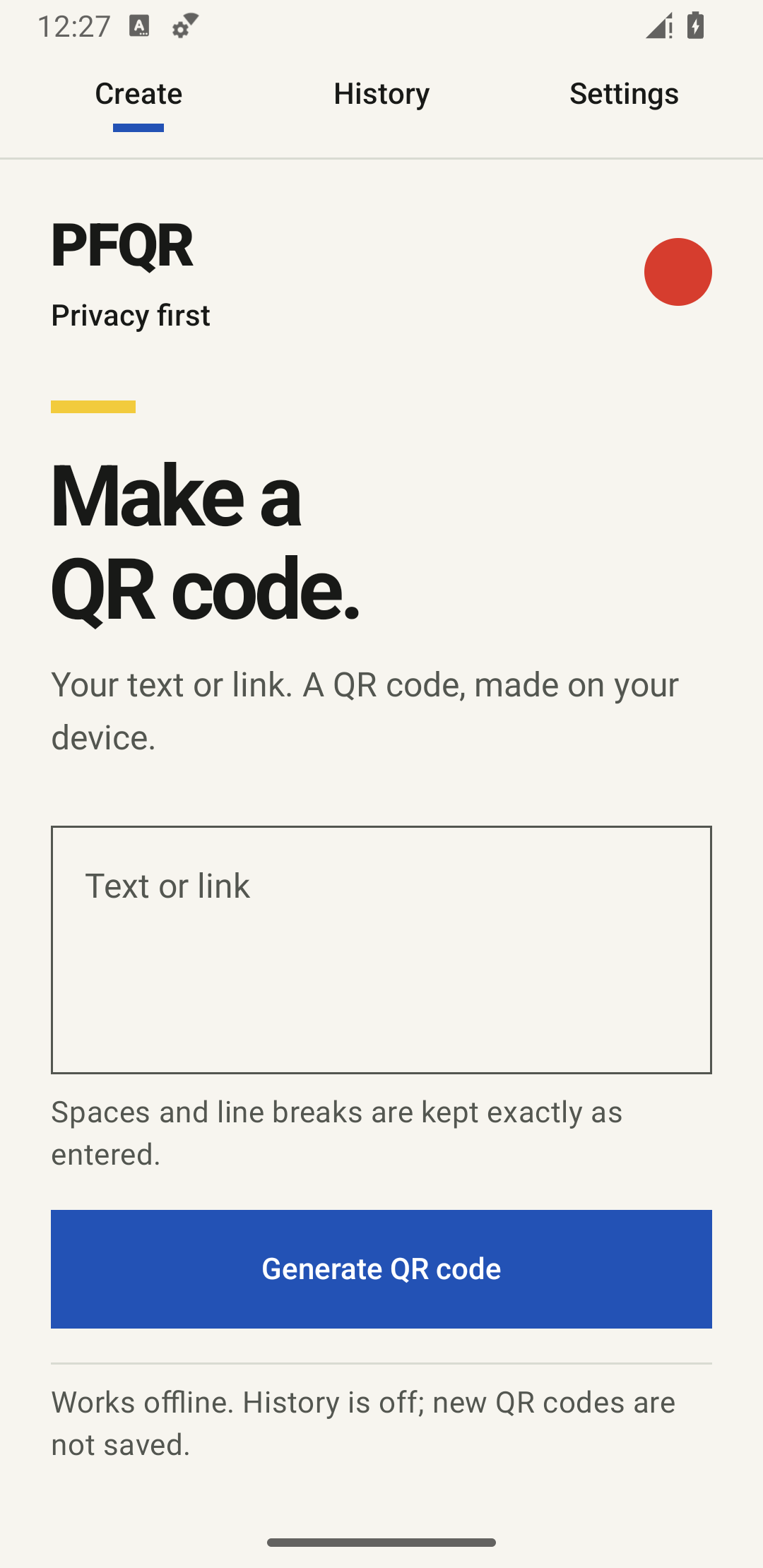
Three steps. All on your device until you choose to export.
Type a note, paste a link or send plain text from Android Share. Spaces and line breaks stay exactly as entered.
Generate a QR code on your device. PFQR does not visit your links, rewrite your text or send it to an app server.
Save a 1024 × 1024 PNG through the system file picker, or share it with an app you choose. The image contains your text; the recipient can read it.
The choices stay yours
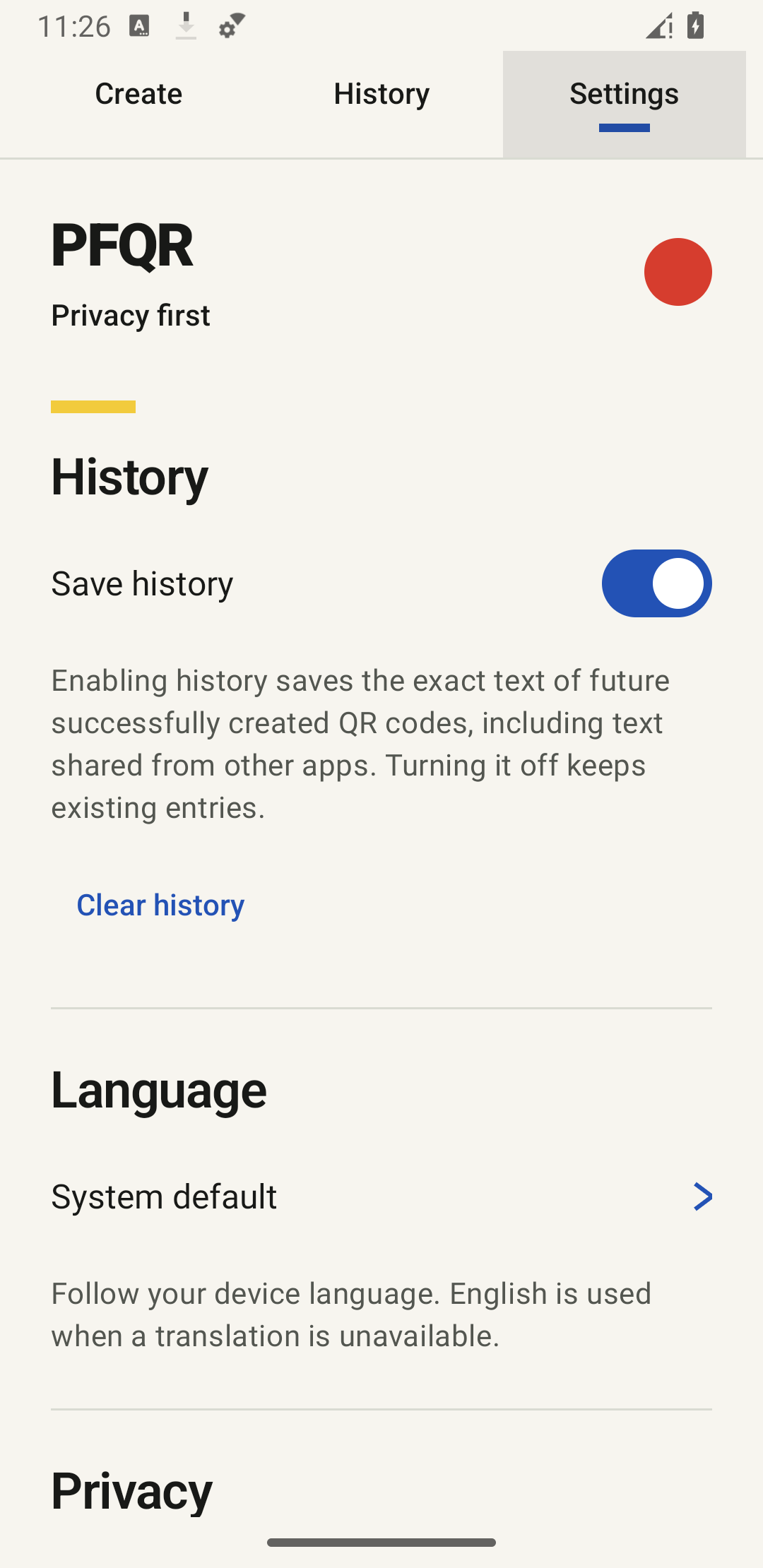
History is optional and starts off. Language settings make the same focused tool feel at home.
Switch recording on to save future codes locally. Turn it off to stop new entries; existing ones stay until you delete them.
Use English, Nederlands or Русский. Choose a language in the app, or follow your system setting. Your QR contents stay exactly the same.
New QR code clears the current draft and result. Saved history and exported images stay separate. Two quick taps on the red circle add a little Mondrian moment.